Teams lose time copying information between spreadsheets, chasing a status that one person knows, looking for evidence in the wrong folder, or assembling a weekly report from five systems. Generic software may cover most of the process while making its important details harder.
We learn why the process works that way, preserve the parts that matter, and remove repetition where software can help. We also simplify weak steps before we automate them.
We follow the work from trigger to outcome
During discovery, we walk through a real example from start to finish. We ask which information arrives, who checks it, who makes each decision, where exceptions go, and what counts as complete. We inspect the documents and systems because the written process often differs from the work people do.
From that walkthrough, we identify the source data, duplicate entry, missing ownership, and risky handoffs. We separate professional judgment from repetitive work that software can handle. The first product map includes administration, audit, support, and reporting as well as the employee-facing form.
We simplify before we automate
Automating a confused process makes confusion happen faster. We first consolidate states, remove redundant steps, define required information, and agree on who can make each change. Only then do we introduce triggers, generated documents, scheduled work, or integrations.
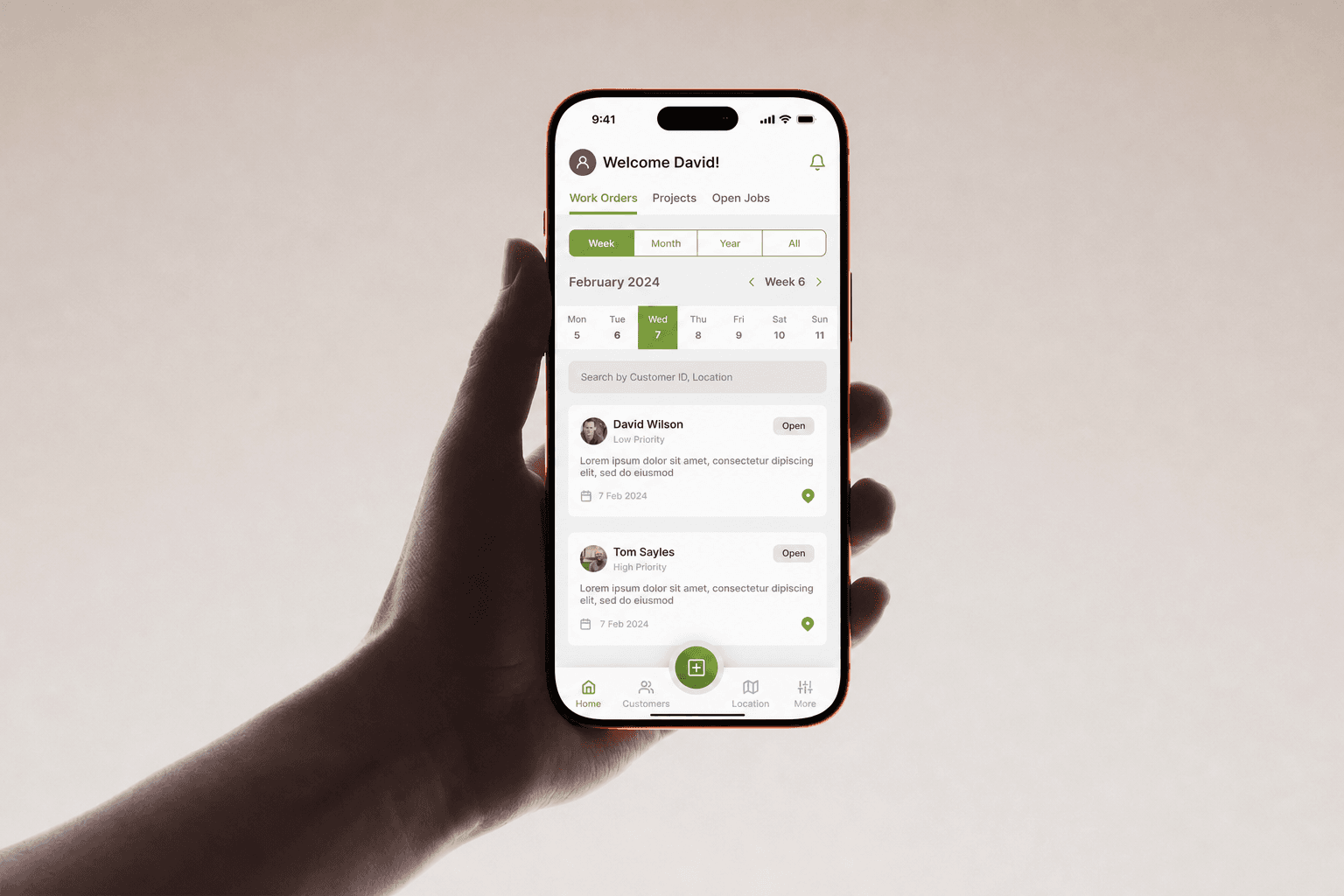
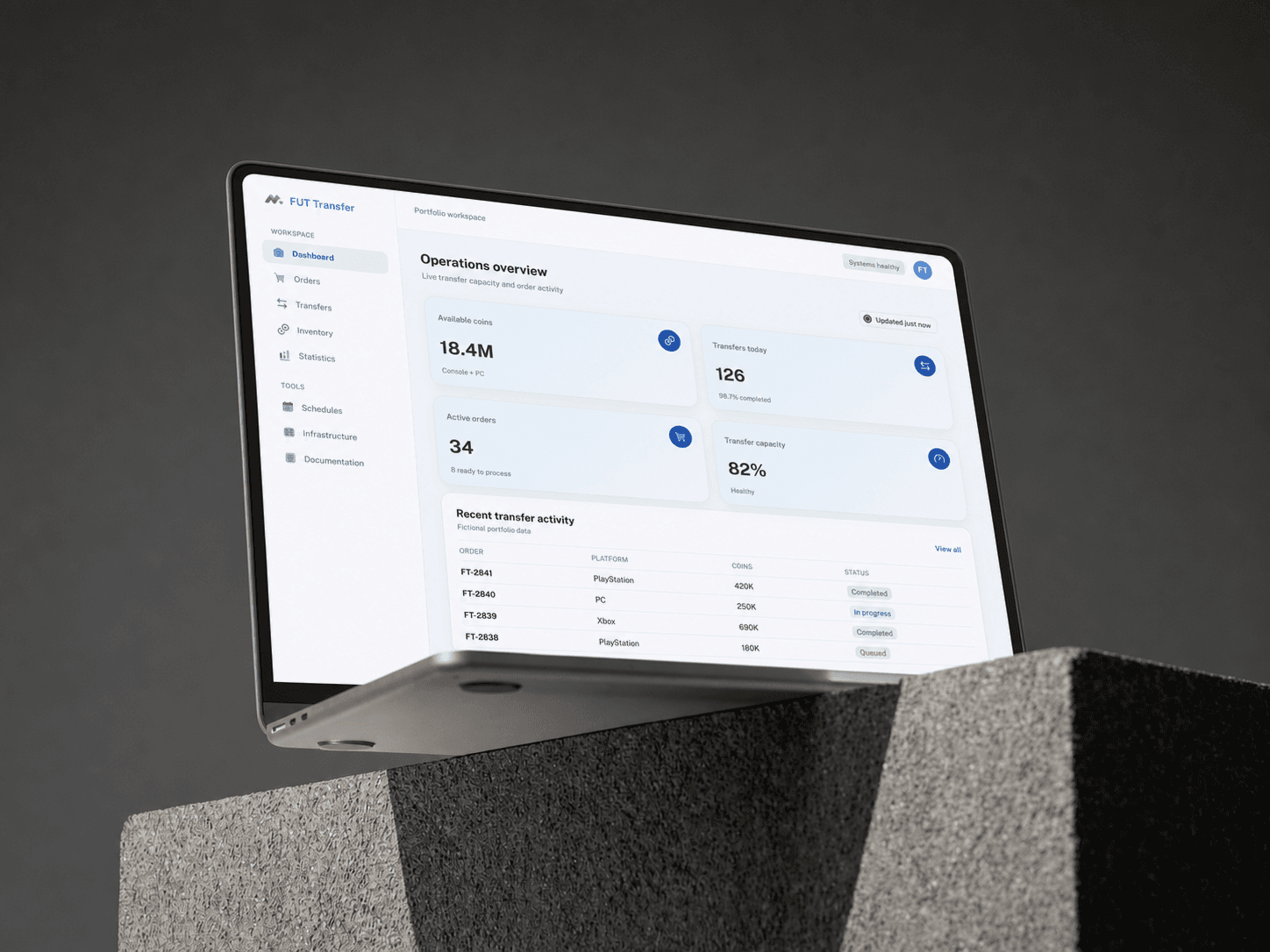
For Thousand Squared, this means turning varied employer and coverage records into validated reporting outputs while acknowledging external government dependencies. For SmartrBID, it means connecting a field report with assignment, evidence, service-level expectations, and operational visibility. The interface stays direct because the underlying workflow is explicit.
Integrations are designed for imperfect data
Internal systems have to handle old exports, inconsistent spreadsheets, rate limits, unavailable providers, and records that predate the new tool. We validate imports, keep an audit trail, show people how to resolve failures, and provide a manual path when an integration cannot settle a case.
The new tool can sit above current systems, replace a fragile part in stages, or become the system of record. That decision follows risk and adoption. Where a legacy dependency must remain, we isolate it behind a clear boundary so the rest of the product can evolve without inheriting every constraint.
Adoption is part of delivery
Staff need to trust an internal product on a busy day. We involve them early, use their language, shorten common actions, and show enough status that they can stop checking a second spreadsheet. Permissions protect sensitive operations while leaving routine work easy to complete.
Rollout can begin with one role, location, or workflow, then expand as the model proves itself. We provide documentation and admin controls for the people who will operate the system. Production feedback then guides the next improvement, whether it is faster entry, a new report, another integration, or the removal of a manual check.